AI auto-reply
Common questions are answered by AI directly, so customers do not wait in a queue for an agent.
AI Customer Service Platform
Bring AI service, human agents, customer conversations and mobile work into one platform, so your team answers every enquiry faster.
Accounts are issued by your company or system administrator. Install the app and sign in with your work account to get started.

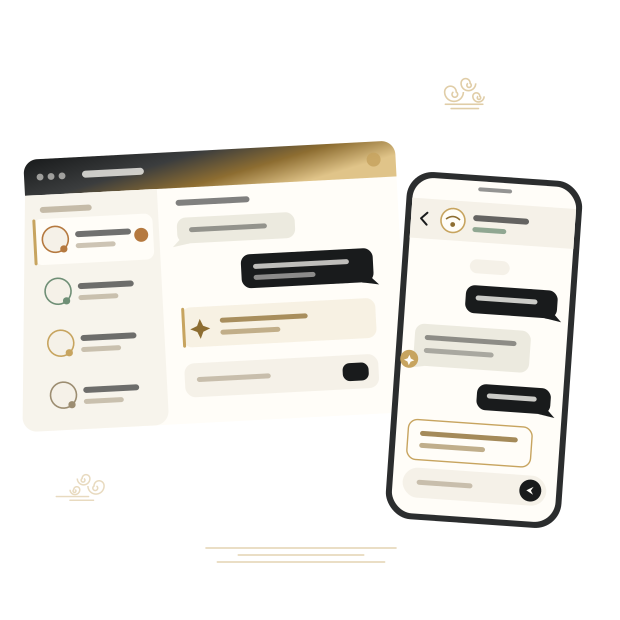
Web · H5 · iOS · Android · AI
AI capabilities
AI answers common questions automatically and passes complex enquiries to human agents, so your team spends its time on the conversations that need judgement.
Common questions are answered by AI directly, so customers do not wait in a queue for an agent.
Turn product documentation, FAQs and service wording into a knowledge base that AI answers from.
While an agent handles a conversation, AI suggests an answer alongside it — the agent confirms before sending.
When AI cannot resolve an enquiry it hands over to a person with the full context attached, so customers never repeat themselves.

How they work together
Incoming enquiries are routed by rule. AI and agents each handle what they do best, and the whole exchange stays in a single conversation record.

Agent workspace
Agents sign in to see pending and active conversations, open a chat to reply, and manage notifications, availability and language in settings.
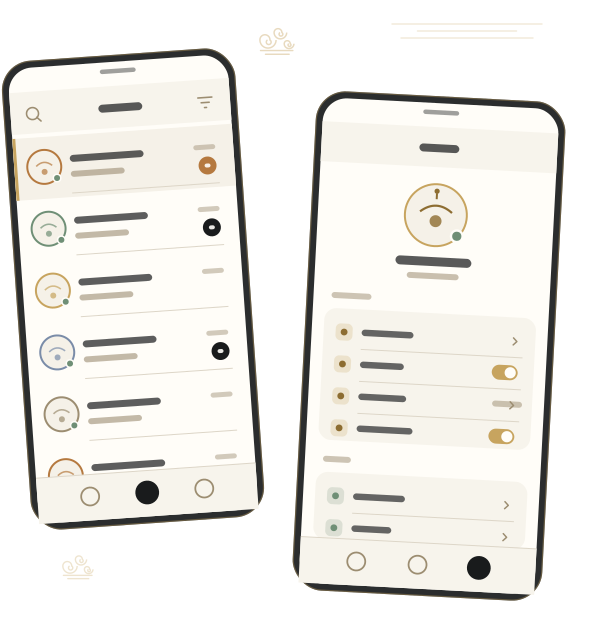
Mobile support
The iOS and Android clients let agents pick up conversations while commuting, out of office or on shift, with real-time alerts so nothing is missed.
New customer messages and assignments are pushed to the phone
View the inbox, take a conversation and reply from mobile
Phone and web share the same conversation record
Switch availability, notifications and interface language at any time
Global
The product interface supports multiple languages and AI can handle enquiries in different languages — suited to teams operating across countries and regions.
Learn more
Capabilities
Solutions
Add a chat entry point to your site or landing pages — visitors start a conversation without signing up.
Embed a support entry point inside your own app so users get help without leaving it.
Serve customers in different countries using the multilingual interface and multilingual AI replies.
Handle pre-sales questions and after-sales issues in one place, with AI absorbing repeat enquiries at peak.
Move product docs and FAQs into the knowledge base so AI answers usage questions first.
Why Tangren IM

AI replies and human hand-off happen in the same conversation, so context is never broken.
Web, H5, iOS and Android share the same conversation and account model.
Availability, notifications, alert sounds and interface language are set per person.
Administrators create, assign and revoke accounts centrally, with clear permissions.
Security and reliability
We apply technical and organisational measures proportionate to risk to protect account and conversation data, and our privacy policy sets out in full how data is collected, used, retained and deleted.
Sign-in and conversation data are encrypted while in transit
Conversation visibility follows company member roles
A clear route to request account closure and data deletion
The privacy policy states purposes, retention periods and user rights in full
FAQ
Tangren IM is for support agents and managers who handle customer enquiries through a company support system. Accounts are normally issued by your company or system administrator.
No. AI handles common and repeat enquiries. Anything needing judgement, negotiation or a decision is handed to a human agent with the full conversation context attached.
A Web client, H5 mobile web, an iOS app and an Android app. All four share the same account and conversation data.
First check your network connection, account details, availability status and system notification permissions. If the problem continues, contact support through the Help Center.
Start the request in the app under Settings — Close account, or visit the account and data deletion page and follow the instructions to submit it by email.
Get started
For product details, enterprise account requests or to report an issue, get in touch with us by email.